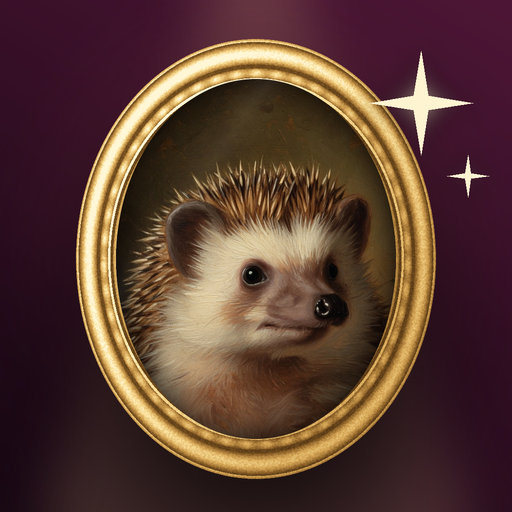
Open Heartgild, choose one clear photo of your pet, pick a theme, and tap the button. New portraits arrive in about a minute and you can save them to your gallery or share them. There is no account and no sign-up, and your first portrait is free.
The photo matters more than anything else. Use a picture where the face is visible, the eyes are in focus and the animal fills a good part of the frame. A dog, a cat, a rabbit, a parrot or a bearded dragon all work the same way, because Heartgild builds the portrait from your animal rather than from a template.
Themes change the style around your pet: Fine Art looks like a museum oil painting, Holiday puts your pet in a festive scene, Vacation is silly and sunny, and Cozy, Superhero and Retro each have their own mood. You can try a different theme on the same photo whenever you like.
Results are generated by AI, so look each one over before you print it or post it. If something looks wrong, every result has a Report this image link. Heartgild is for pet photos only and does not accept photos of people.