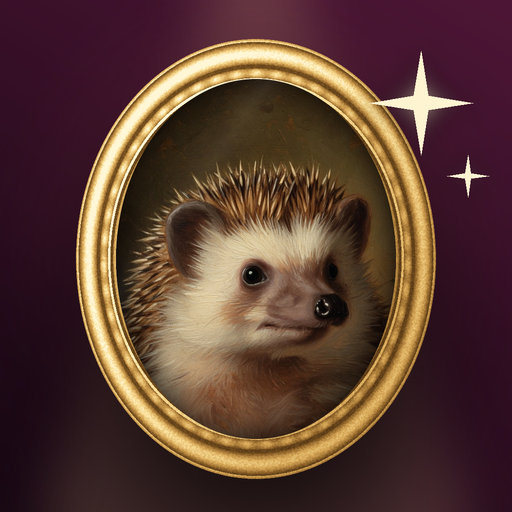
Before you open the app, pick your sharpest photo with the face visible. Scroll your camera roll for one where your pet is looking toward the camera.
Have one or two backup photos in case a photo is not accepted. Heartgild only accepts pet photos, so a photo where a person is the main subject will be rejected and not counted.
If you plan to buy a pack, consider picking several photos of the same pet from different angles, since extra photos can give a closer match.
Then choose a theme and go.