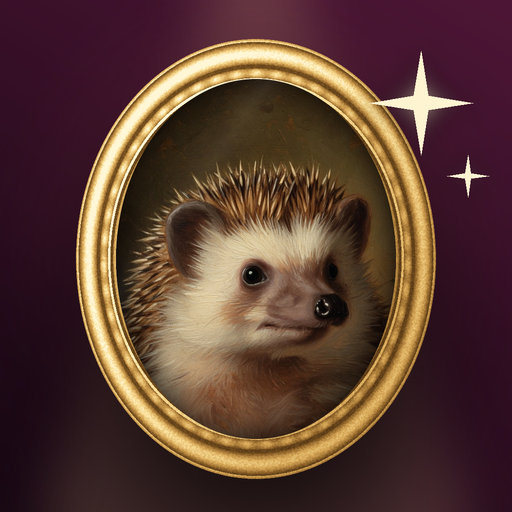
When your portrait finishes, look at it closely. Compare it to your original photo.
If you like it, save it to your gallery or share it straight from the results screen. You can also make another one in a different theme.
If it is not right, try again with the same or a different photo.
If something is wrong or inappropriate, use Report this image. To remove your data, use Delete my data on the Home screen.